
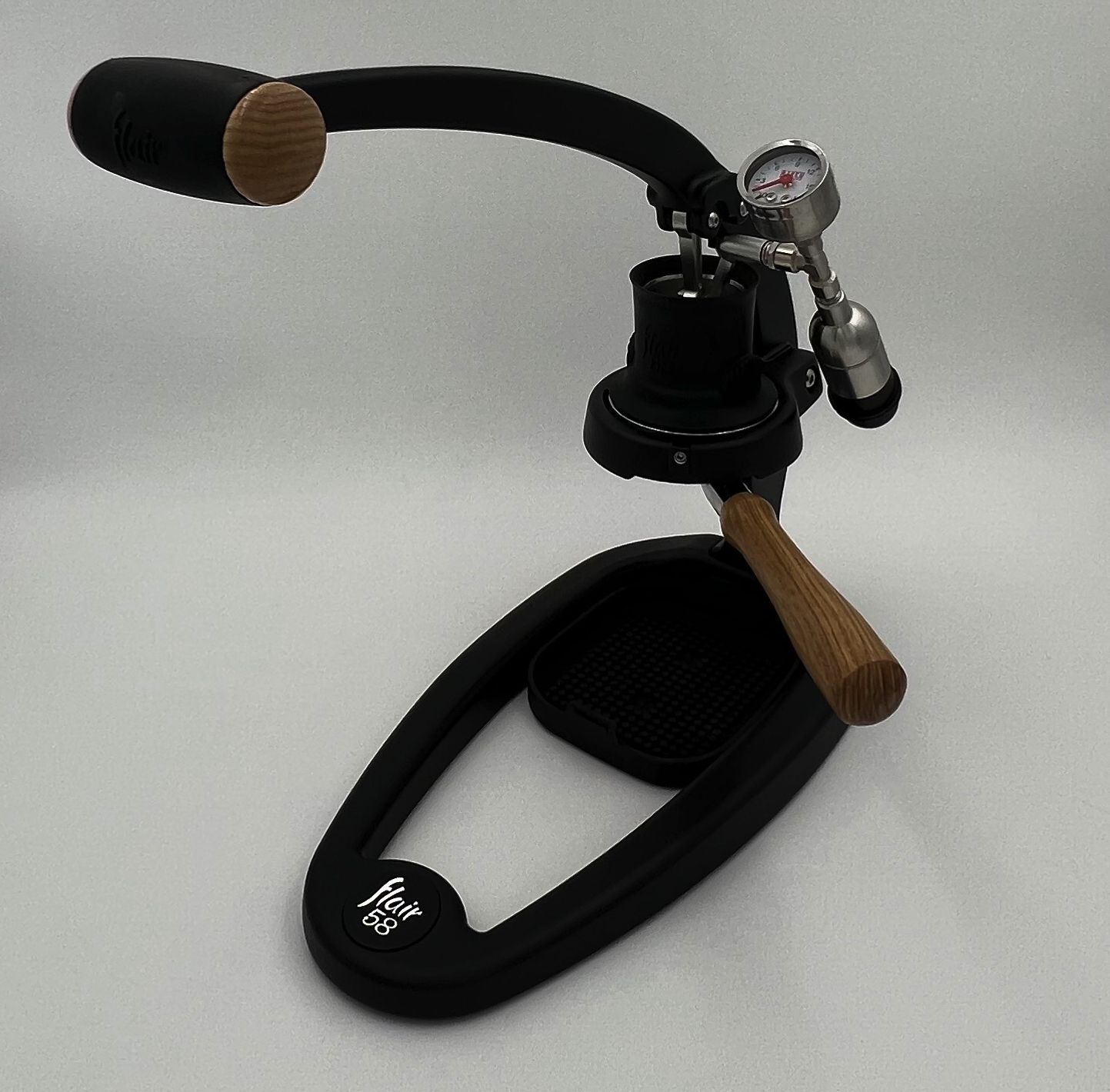
The Smart Espresso Profiler adds live pressure logging to a Flair 58 and, when paired with a supported Bluetooth scale, can also record cup weight, brew ratio and flow rate. It does not automate the Flair lever. You still create the pressure profile by hand.
That distinction matters. The Profiler is most useful when you already pull repeatable shots and want to measure, compare and reproduce what your hand is doing.
What does the Smart Espresso Profiler add to a Flair 58?
It turns the pressure signal from your Flair into a recorded shot graph you can review instead of relying on memory and a moving analog needle.

The current Naked Portafilter documentation describes the Smart Espresso Profiler as a tool for recording and improving espresso extractions. Its app can display real-time pressure and save the brew to history.
On a manual Flair 58, that gives you three useful things:
– a pressure trace you can compare shot to shot; – saved history instead of trying to remember how the lever felt; – a reference graph you can load while repeating an earlier profile.
The Profiler does not move the lever, regulate pressure for you or correct a poor puck. If you overshoot pressure, the graph records the overshoot. You are still the pump.
That makes it a measurement upgrade rather than an automation upgrade.
For basic pressure-profile technique without extra electronics, the broader Flair 58 guide remains the better starting point.
Do you need a Bluetooth scale with the Smart Espresso Profiler?
You need the pressure transducer for live pressure capture. A compatible Bluetooth scale is what adds drink weight and calculated flow data.
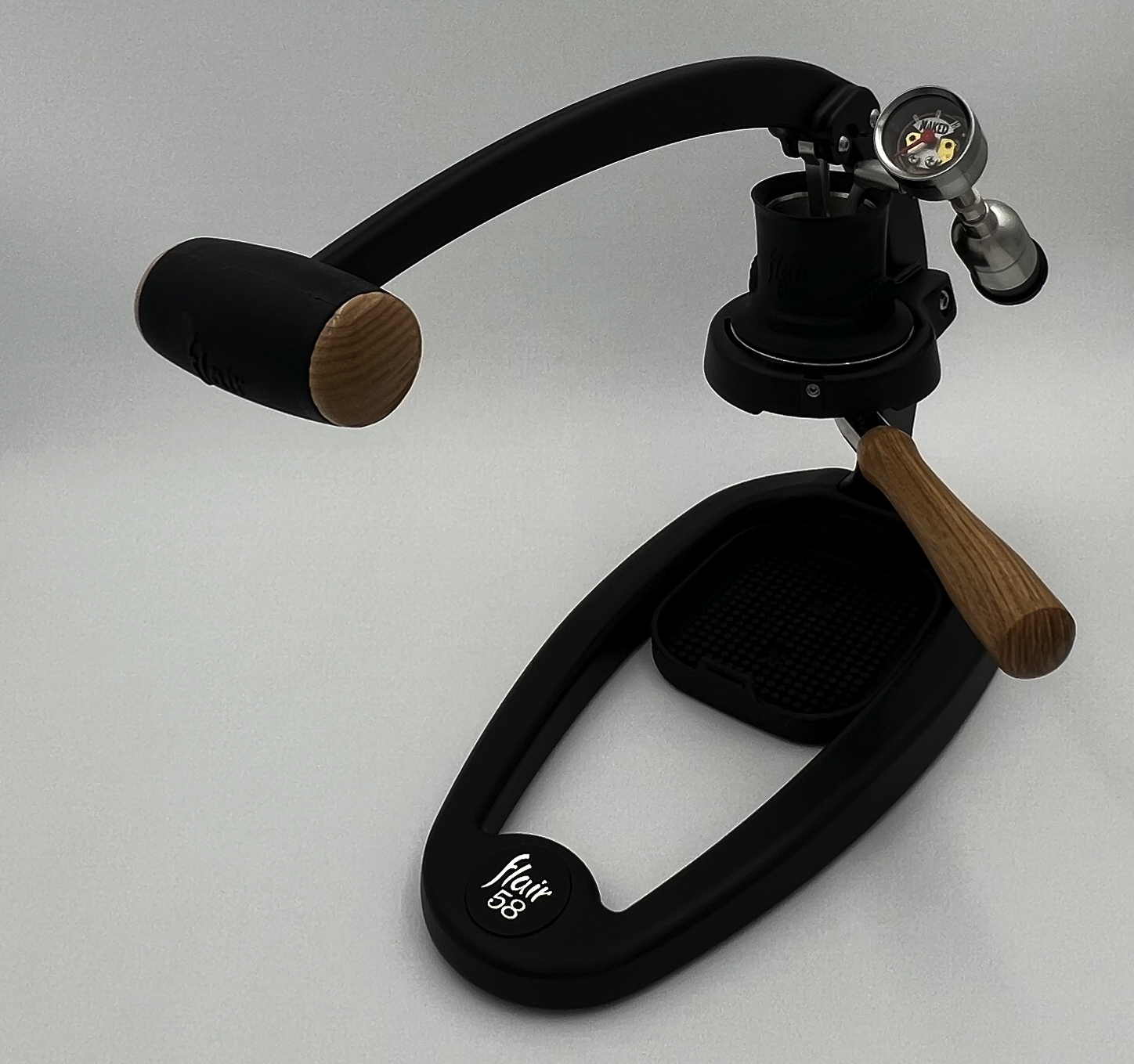
The vendor documentation is unusually clear about this boundary:
– without the pressure transducer, the app can only view earlier brews; – without a connected scale, you can still record pressure; – with a supported scale, the app can show cup weight, brew ratio and flow rate alongside pressure.
The current product-category page lists support for several Bluetooth scales, including Acaia Lunar, Pearl, Cinco and Pyxis, the Decent scale and Skale2.
Do not buy a random Bluetooth scale and assume it will integrate because it has an app. Confirm the exact model against the current Smart Espresso Profiler support list first.
Flow rate is calculated from changing beverage weight over time. That makes scale response and stable placement important. If the scale is slow, unstable or physically awkward under your Flair, the extra data may be less useful than the pressure trace alone.
Can you keep the analog pressure gauge?
Yes, if you choose the current Flair 58 package that includes the gauge and T-splitter.

Naked Portafilter currently sells a package titled “Smart Espresso Profiler with Gauge and T-splitter for all Flair 58 models.” That configuration is for owners who still want a mechanical gauge visible while the electronic transducer records pressure.
This is useful if you prefer to watch the machine instead of a phone during the shot. The analog gauge remains an immediate visual reference; the Profiler becomes the data logger.
A separate current product listing also sells the Smart Espresso Profiler for all Flair 58 models without framing it around the extra gauge package.
Choose the layout based on how you brew: – keep the analog gauge if you want an always-visible pressure reference; – use the simpler sensor-only path if your chosen kit and workflow do not need a second gauge; – do not improvise a splitter or fitting from a different espresso platform just because the threads look similar.
Use the exact Flair 58 package and the supplier’s current installation guidance.
Which Flair 58 versions does it fit?
The current Naked Portafilter listing explicitly says its Flair 58 version is for all Flair 58 models.
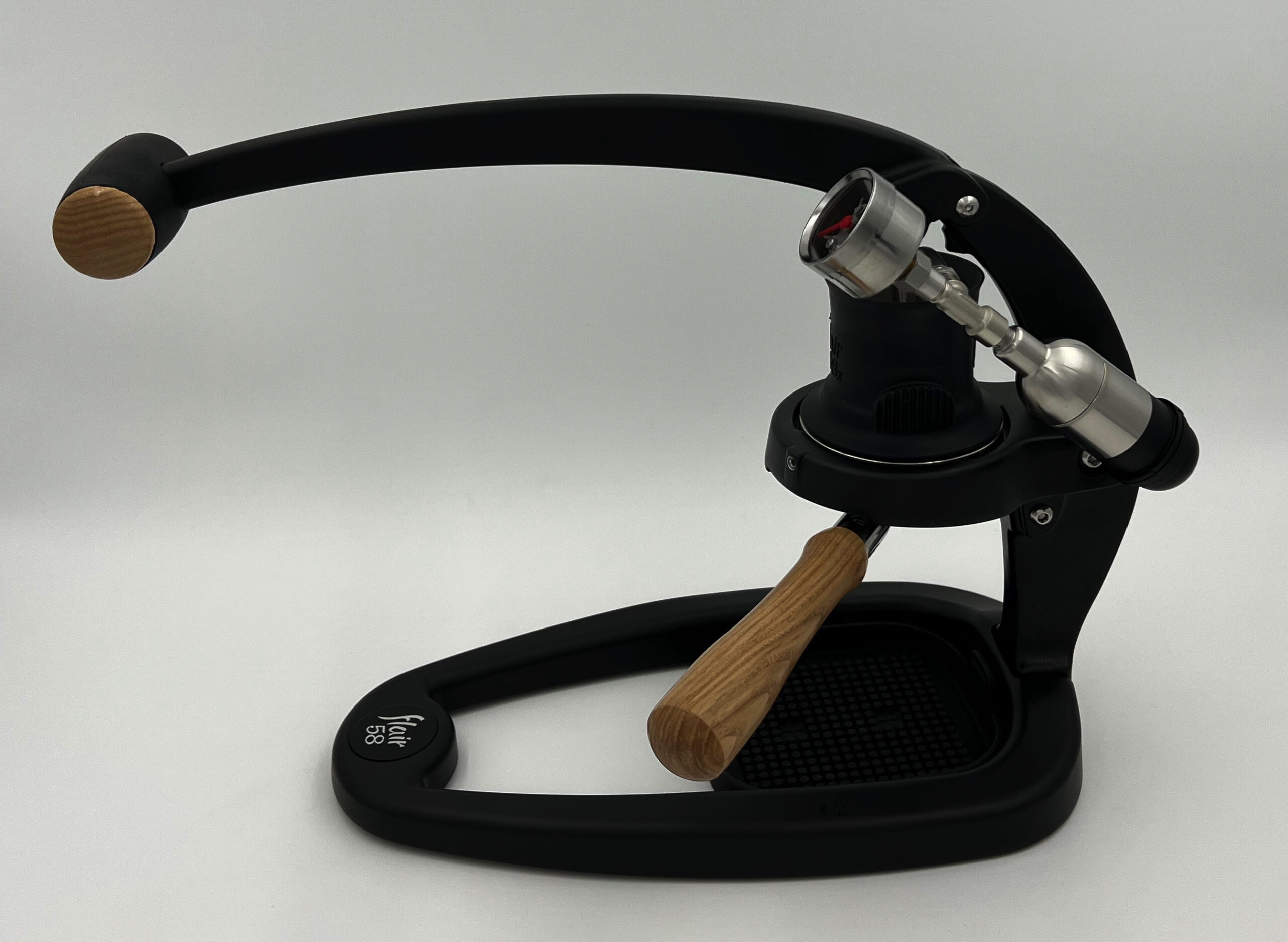
That is different from the vendor’s separate product for Flair Classic, Signature and Pro machines. The Classic-family product uses an M9×1 connection and explicitly says “NOT FOR THE FLAIR58.”
This is exactly why the product name matters. “Flair” is not one pressure-gauge connection.
Before ordering: 1. choose the product specifically labeled for Flair 58 models; 2. decide whether you want the T-splitter + analog gauge version or the simpler Profiler configuration; 3. confirm any scale you plan to pair is currently supported; 4. check the vendor’s latest installation information before removing the stock gauge.
If your machine has non-standard gauge hardware, previous owner modifications or an unusual early-production configuration, send the seller a photo before ordering.
Is the Smart Espresso Profiler worth it on a Flair 58?
It is worth considering when you want data from a skill you already practice. It is easy to skip when the main problem is still dialing in coffee.

ARAMSE’s Flair 58 demonstration is useful because it shows the real workflow: hardware, software, shot logging and taste comparison. It also makes the limitation obvious—the operator still has to execute the profile with the lever.
| Your situation | Better next step |
|---|---|
| You are still learning grind and dose | Keep the stock gauge and simplify variables |
| You can repeat good shots but cannot reproduce the same pressure path | Profiler data can help |
| You want pressure history only | A Profiler without scale data may be enough |
| You want pressure + flow + beverage weight | Confirm a supported Bluetooth scale |
| You dislike looking at a phone while brewing | Keep the analog gauge with the T-splitter package |
| You expect automated pressure control | This is the wrong upgrade |
The strongest case for the Smart Espresso Profiler is repeatability and learning. It can show whether two shots that felt similar followed different pressure paths. It can also help you practice a declining-pressure or other manual profile against a saved reference.
It cannot turn an inconsistent grinder, stale coffee or poor puck preparation into good espresso. Data is most valuable after the basic workflow is stable.
For the wider Flair platform, use the Flair 58 machine page to keep accessories and workflow decisions in context.
FAQ
Does the Smart Espresso Profiler control the Flair 58 automatically?
No. It measures and records. You still create the pressure profile manually with the lever.
Can it measure flow without a Bluetooth scale?
The vendor documentation says pressure works without the scale, but flow and beverage-weight data depend on a supported scale.
Does the Smart Espresso Profiler replace the Flair pressure gauge?
It can, depending on the configuration, but the current T-splitter package lets you keep an analog gauge while adding the electronic sensor.
Is the Flair Classic Smart Espresso Profiler the same product?
No. The vendor has a separate M9×1 version for Flair Classic/Signature/Pro and explicitly marks that version as not for the Flair 58.
Does it fit the Flair 58+?
The current Flair 58 product listing says it is for all Flair 58 models. If your machine has non-standard or modified gauge hardware, confirm fit with the seller before ordering.
References
- Naked Portafilter — Flair 58 Smart Espresso Profiler with gauge and T-splitter
- Naked Portafilter — Smart Espresso Profiler for all Flair 58 models
- Naked Portafilter — Smart Espresso Profiler app and data workflow
- Naked Portafilter — current supported-scale and product overview
- Flair Espresso — Flair 58 tutorials and stock workflow